Remote Control from the Web
bit-Agent supports web-based conversations and task inspection. Even when you are away from your computer, you can keep operating an online device from the web.
Before You Start
- Make sure your client device is signed in and online.
- Sign in to both the web client and the desktop client with the same account.
Open the Web Client
- Open the bit-Agent web client.
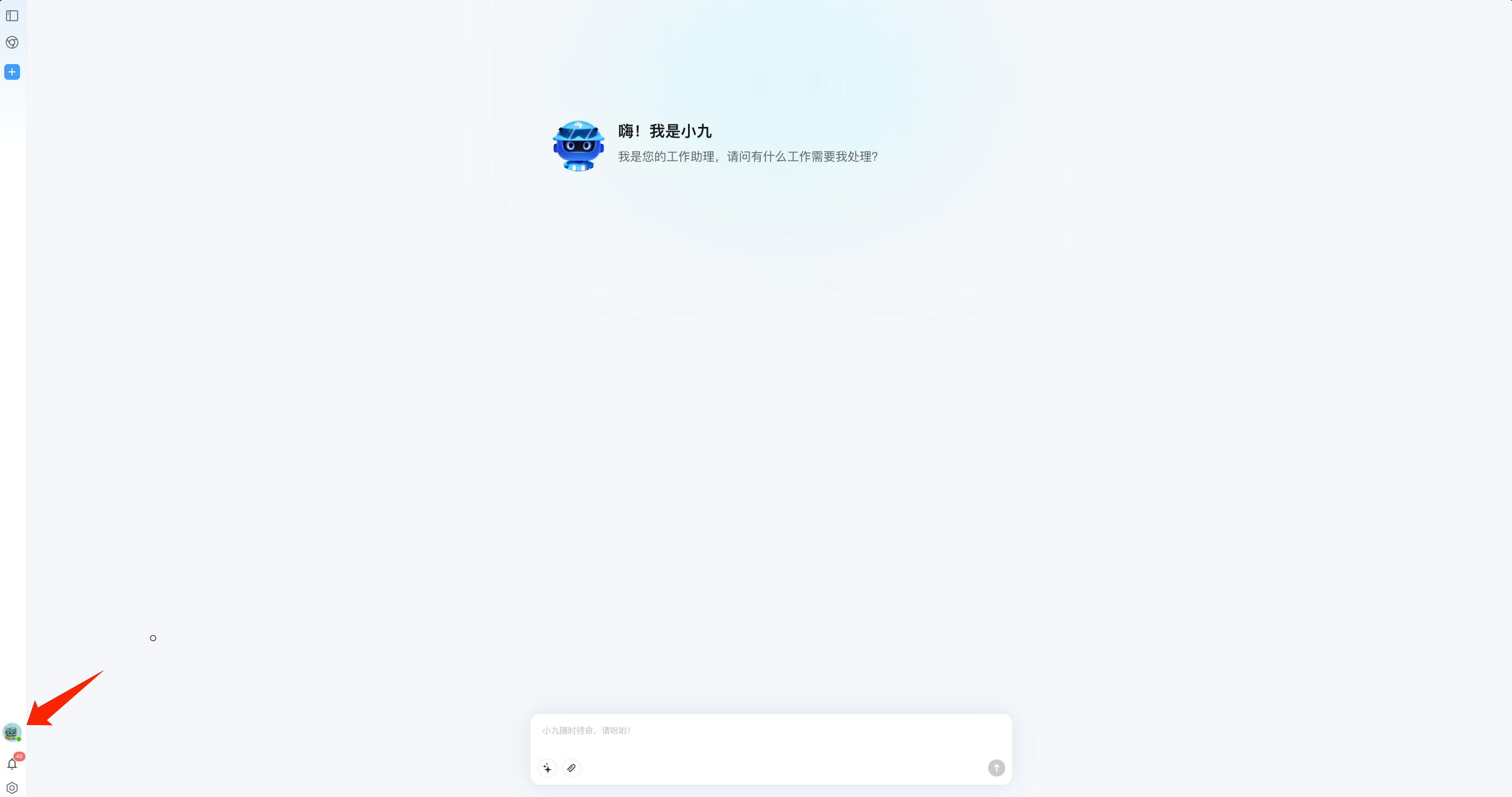
- Sign in, then enter the conversation page.
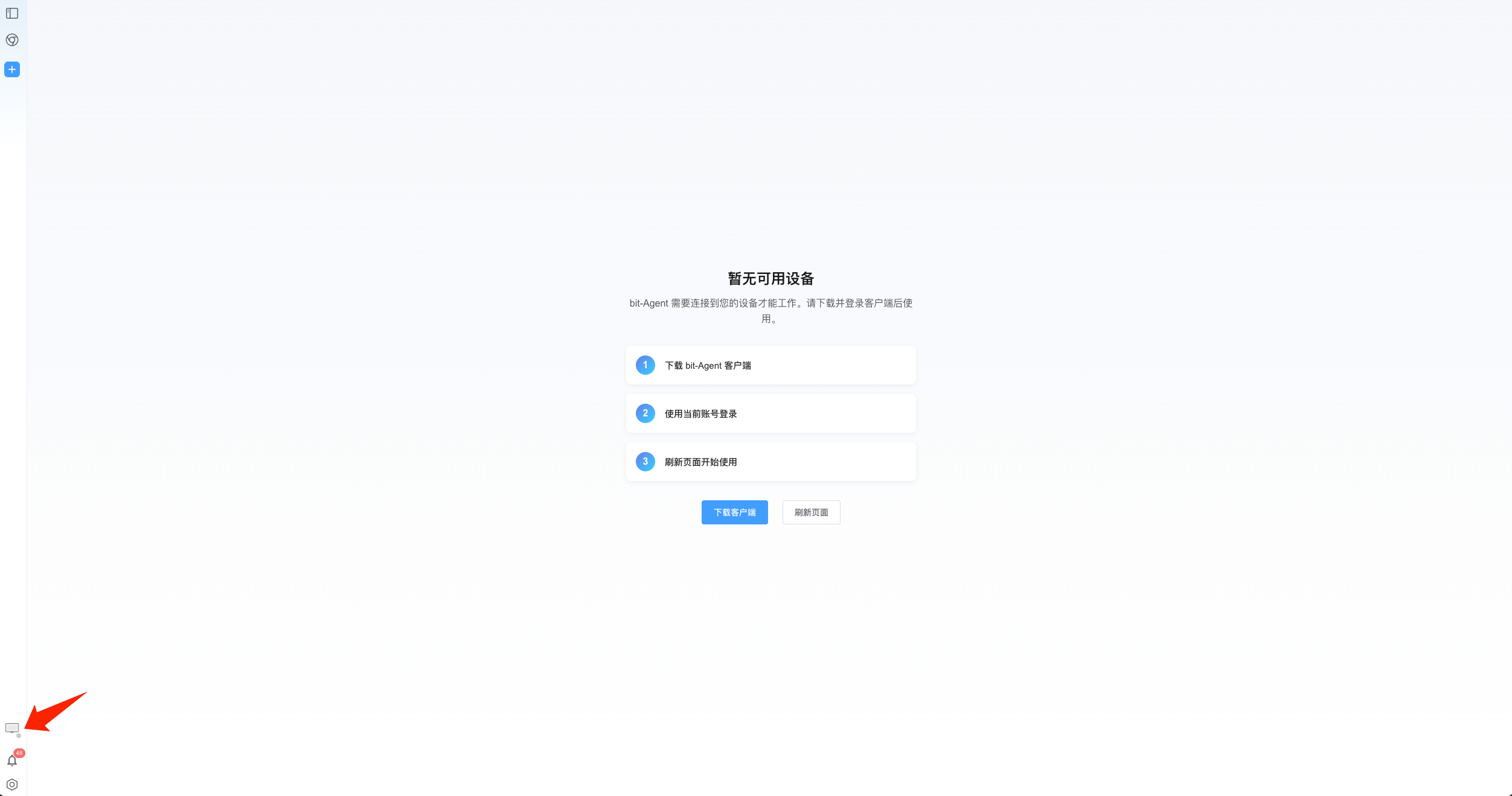
- Choose the online device you want to control and start sending instructions. If no device is online, you can only view history and cannot continue the conversation.
What You Can Do on the Web
- Start conversations and let the Agent run tasks
- View historical conversations and file outputs
- Continue tracking progress when you are away from the local machine
Recommendations
- For long workflows, enable task notifications so you do not need to refresh the page repeatedly.
- If you cannot see your device on the web, first check whether the desktop client is online.