Sign In
bit-Agent requires you to sign in before use and remain connected to the network while working.
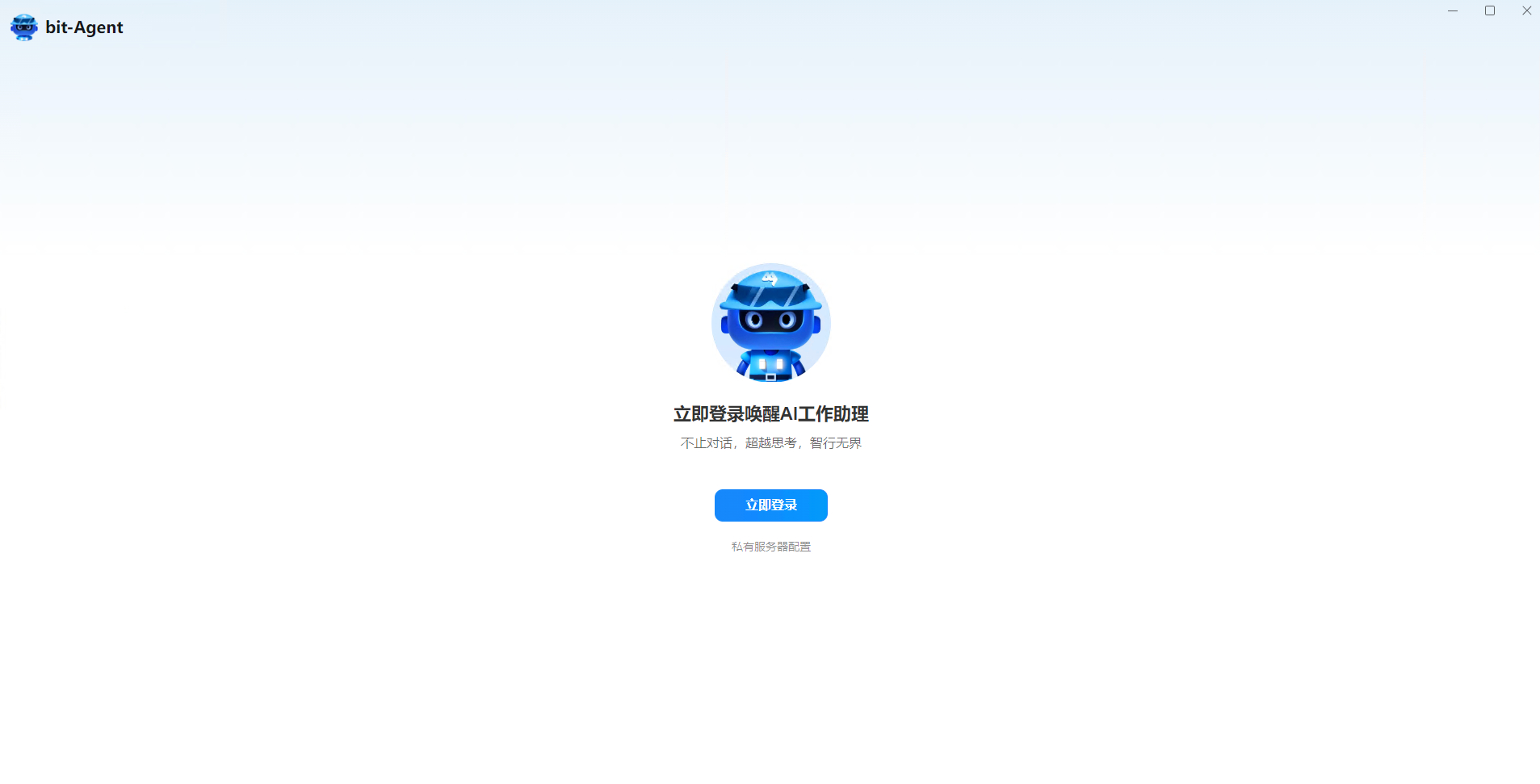
- Open the product. If you are not signed in, you will be taken to the sign-in page.
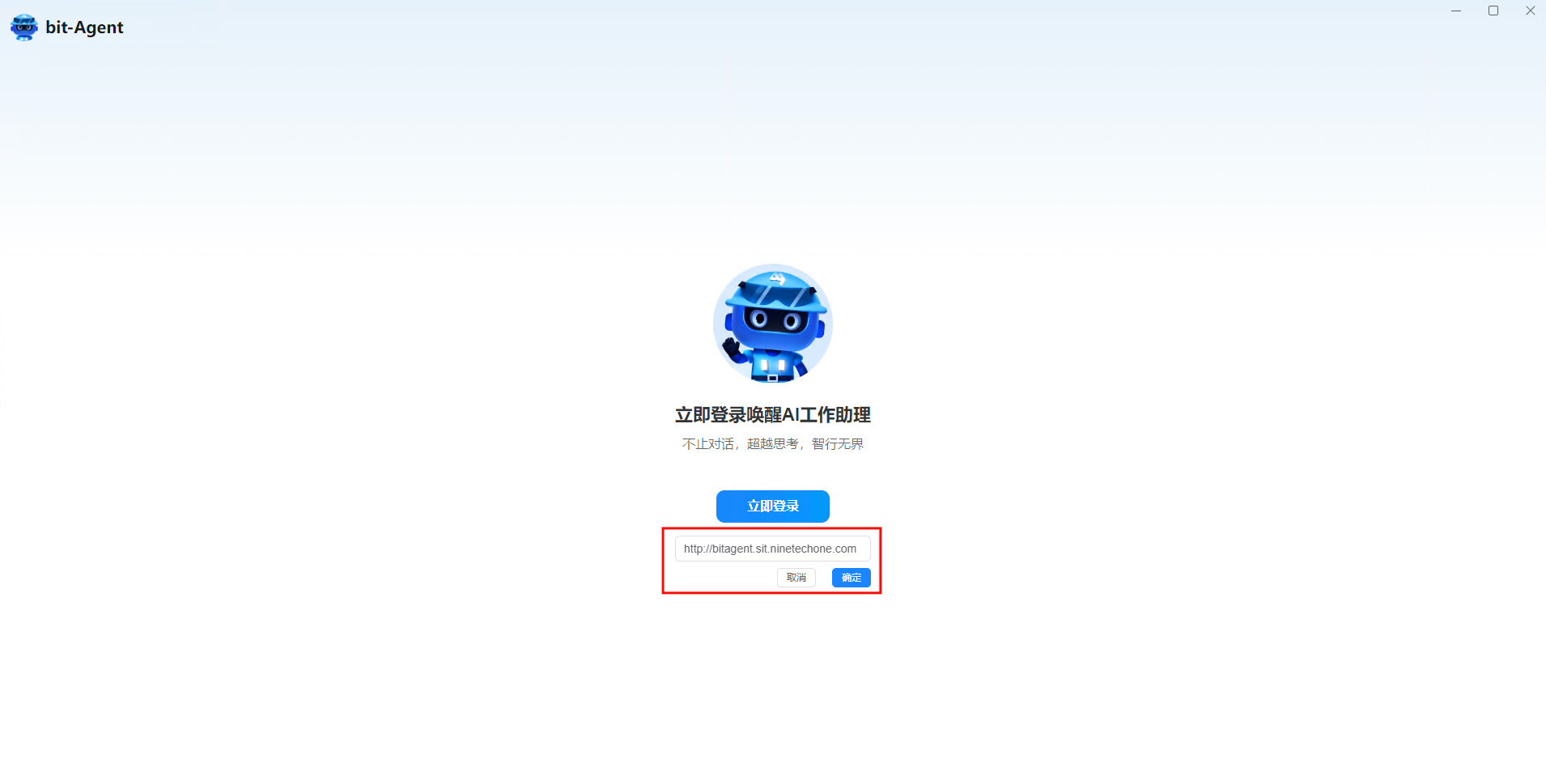
- For private deployments, contact your support partner for the server link, then click
Private Server Configurationto replace the address.
- Click
Sign Into open the login page.
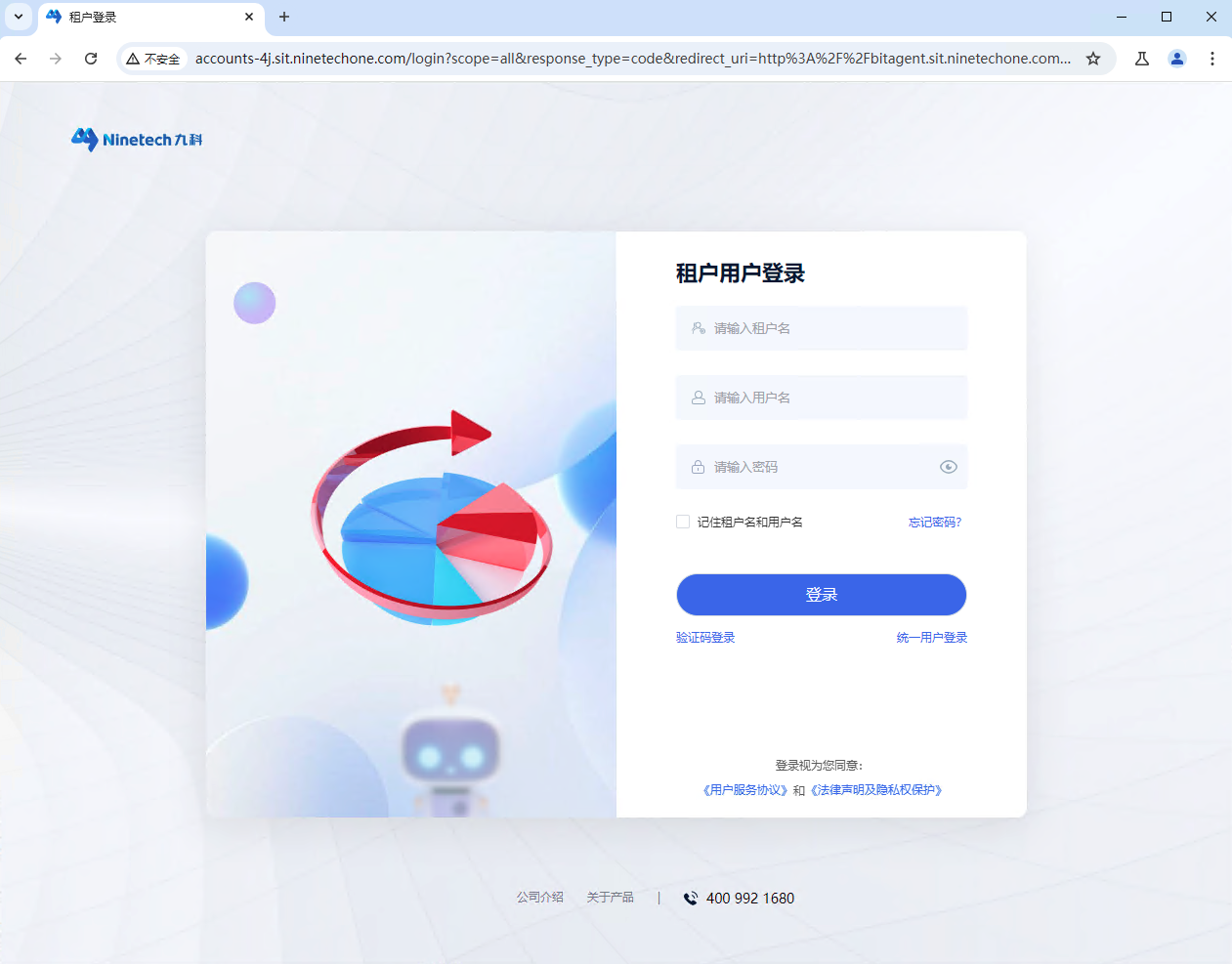
Enter your username and password. If you are an enterprise user, use Tenant User Login.
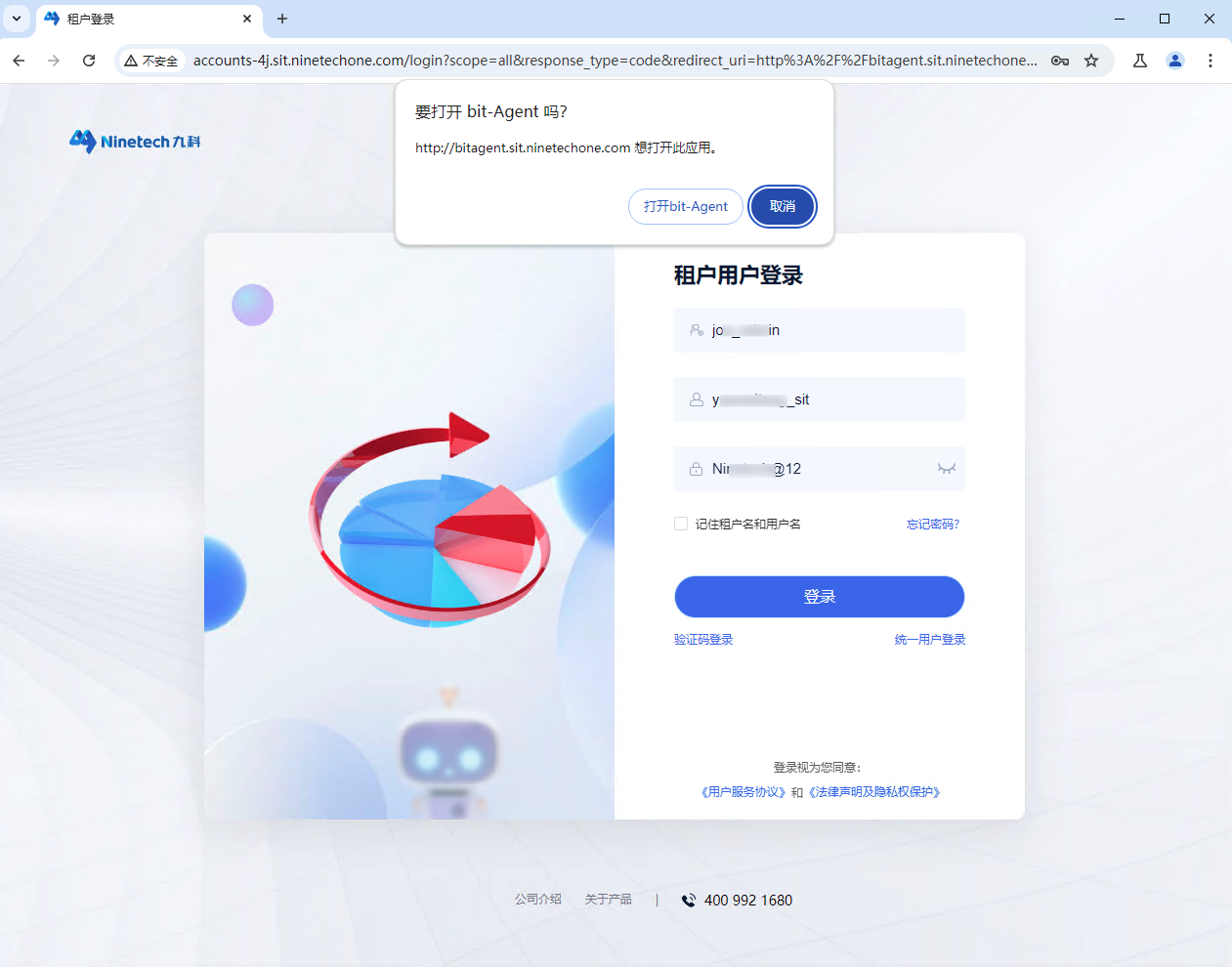
- After signing in successfully, click
Open bit-Agent. The login page will close automatically and you will return to the main conversation page.