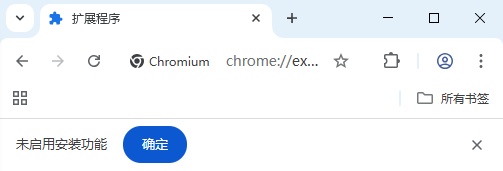
Browser extension installation shows "Installation feature not enabled"
Description
When installing a browser extension, you get a message saying Installation feature not enabled.
Solution
- Right-click the bit-Agent desktop icon and choose Open file location to access the software installation directory
- Copy the extension
.crxfile into thenative\browser\user_extensionsfolder - Restart the software to use the extension