Configure Skills
Skills are one way to provide capabilities to the Agent. By adding Skills, the Agent can automatically learn how to perform specific tasks.
A Skill is essentially a folder plus an instruction file. The Agent reads and uses it automatically when needed.
1. Install Skills from the Marketplace
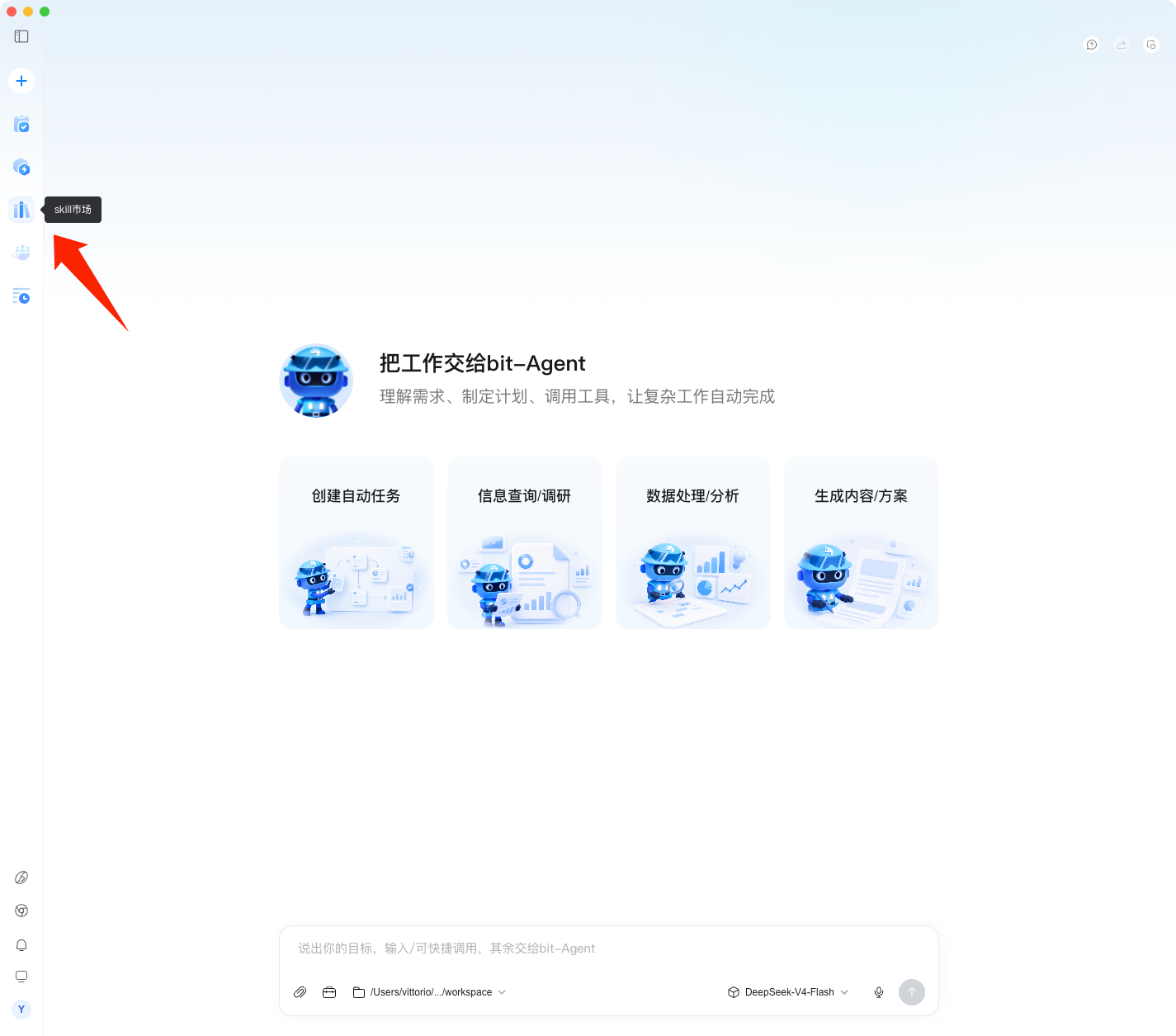
Unzip the downloaded ZIP package to get a folder, then place the folder in the Skill directory. Click Skill Marketplace in the client to manage Skills:
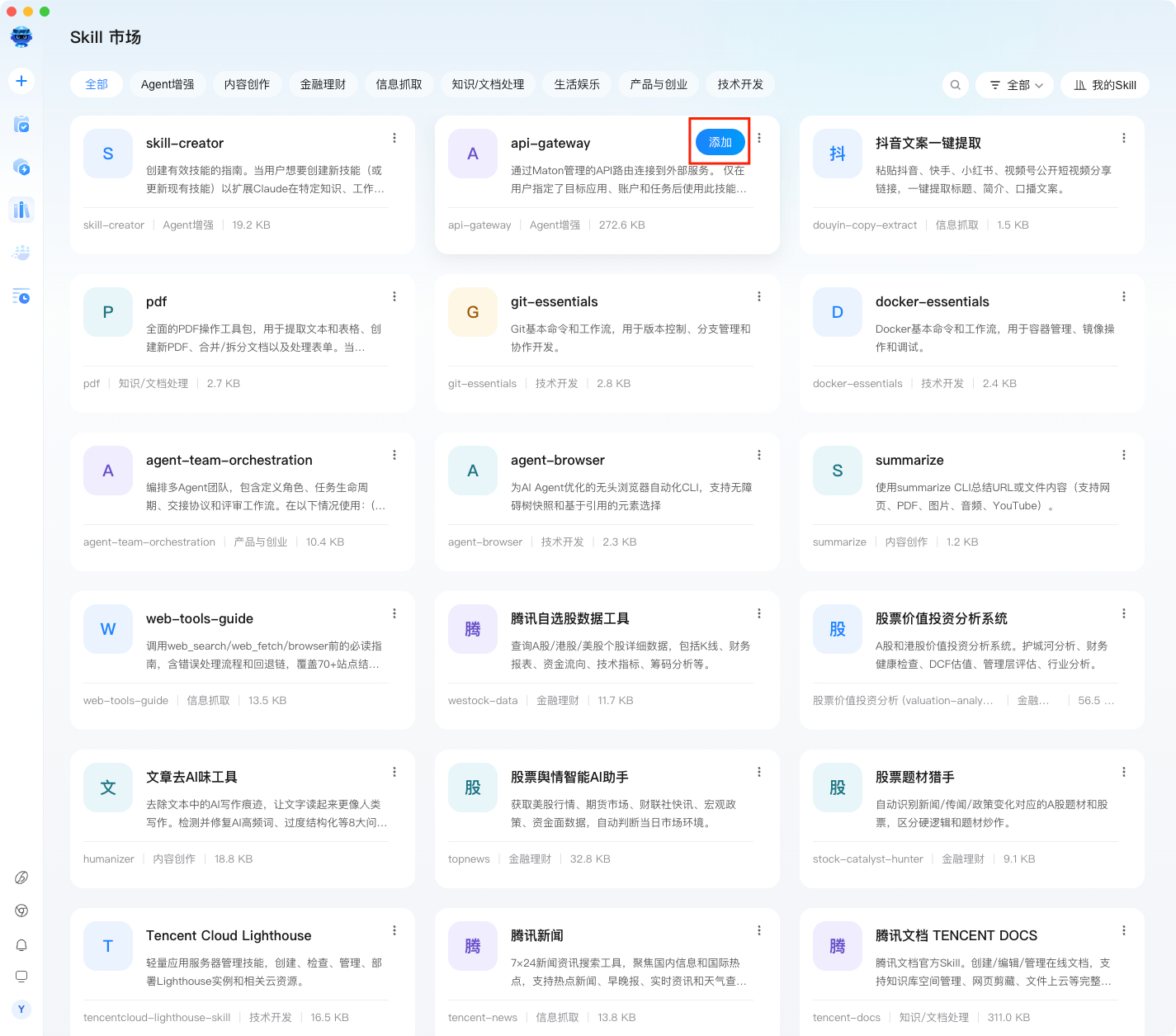
You can add the Skills you need with one click:
2. Install a Manually Downloaded Skill
You can obtain Skills from the public Skill marketplace:
After entering the marketplace, choose the Skill you need and click Download zip to download the package.
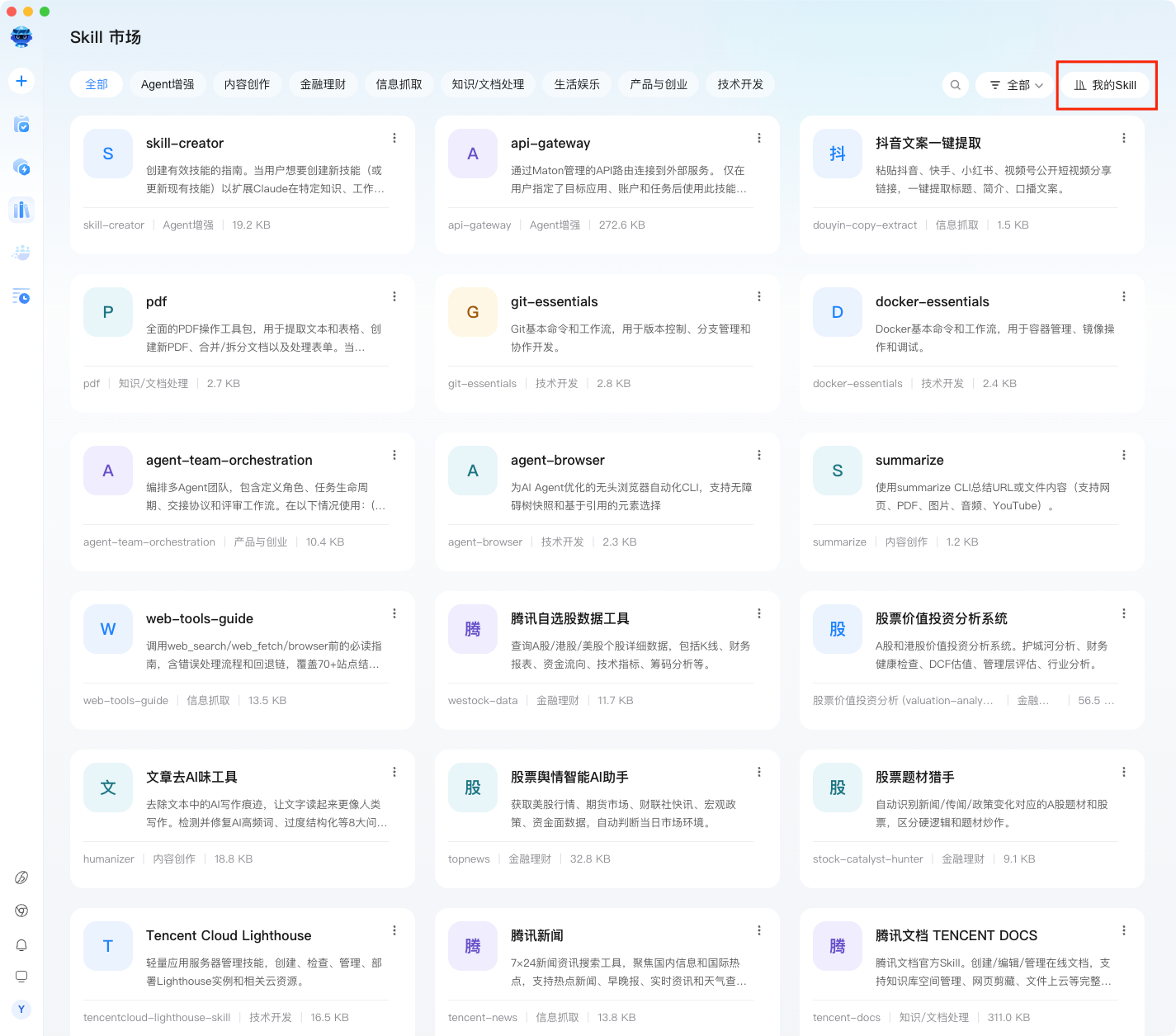
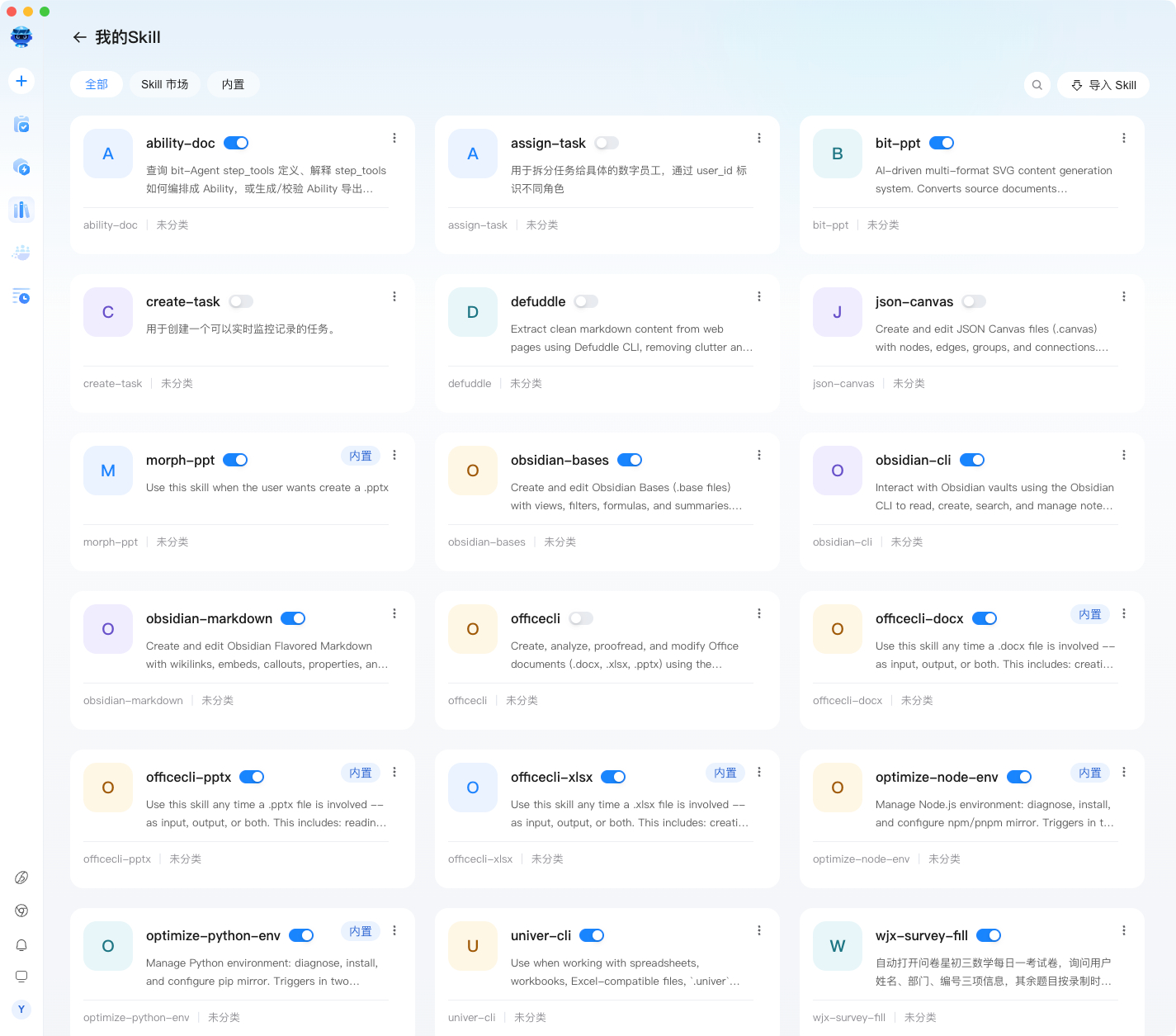
Go to My Skills.
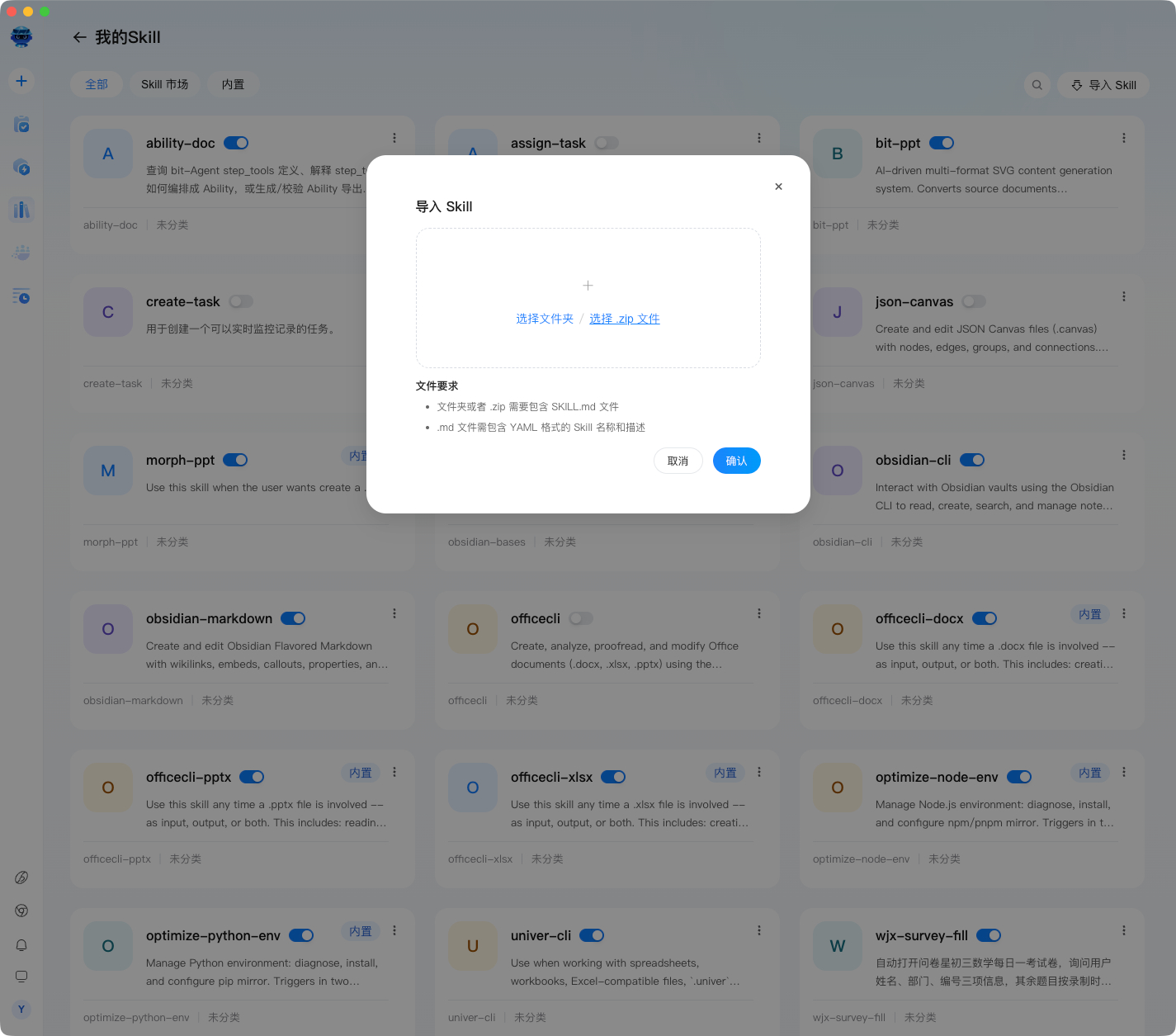
Click Import Skill and upload the downloaded ZIP package.
3. Manage Skills
Go to My Skills.
Make sure the Skill tool is enabled. It is turned on by default. You can also disable Skills you do not need.
You can now use your Skill.